The best free AI logo maker in 2026 is Themeisle or Namecheap, because both give you a real vector file with no watermark and no card required. If you want a genuine AI-generated brand identity and can pay once, Looka and Brandmark are the best value at around $20 to $65. The catch most guides hide is this: many tools let you design free but charge to download, plenty give you only a PNG instead of a vector file, and a template logo can’t legally be trademarked. This guide compares the tools that actually deliver, and flags the traps.
What to check before you pick a logo maker
Three things separate a logo maker you’ll regret from one you won’t:
- Free to download, or free to design? Many tools let you build a logo for free, then charge $20 to $65 to actually download it. That’s fine if you expect it, but know before you start.
- Vector file or just a PNG? A vector file (SVG) scales to any size, from a favicon to a billboard, without blurring. A PNG doesn’t. For a real brand, you want vector.
- Do you actually own it? Paying for the file isn’t the same as owning a trademark. Logos built from shared templates or stock icons usually can’t be trademarked, because they aren’t unique to you.
AI logo makers compared
Prices are accurate as of June 2026. Verify at checkout, since these tools change often. “Free download” means you can export a usable logo at no cost.
| Tool | Free download? | Vector (SVG)? | Price | Type | Best for |
|---|---|---|---|---|---|
| Themeisle | Yes (no watermark, no signup) | Yes | Free | Template | Best free vector pick |
| Namecheap | Yes (free account) | Yes | Free | AI + template | Free vector, no payment |
| Logo Diffusion | Yes (2 SVGs/month free) | Yes | Free; paid from $24/mo | Generative AI | Real AI-generated logos |
| Canva | Yes (PNG/SVG) | Yes (some need Pro) | Free; Pro ~$12.99/mo | Template + AI | People already on Canva |
| Adobe Express | Yes (PNG only) | No | Free | Template + AI | Quick raster logos |
| Looka | No (pay to download) | Yes ($65 tier) | $20 PNG / $65 vector (one-time) | Genuine AI | Cheap real brand identity |
| Brandmark | No (pay to download) | Yes ($65 tier) | $25–$175 (one-time) | Genuine AI | Buy once, own it |
| Wix Logo Maker | No (pay to download) | Yes (paid) | From $20 (one-time) | AI + template | Wix website owners |
Best free AI logo makers (real vector, no watermark)
If you’re on a tight budget, start here. These give you a usable logo at no cost, and the first three even export a vector file.
Themeisle Logo Maker
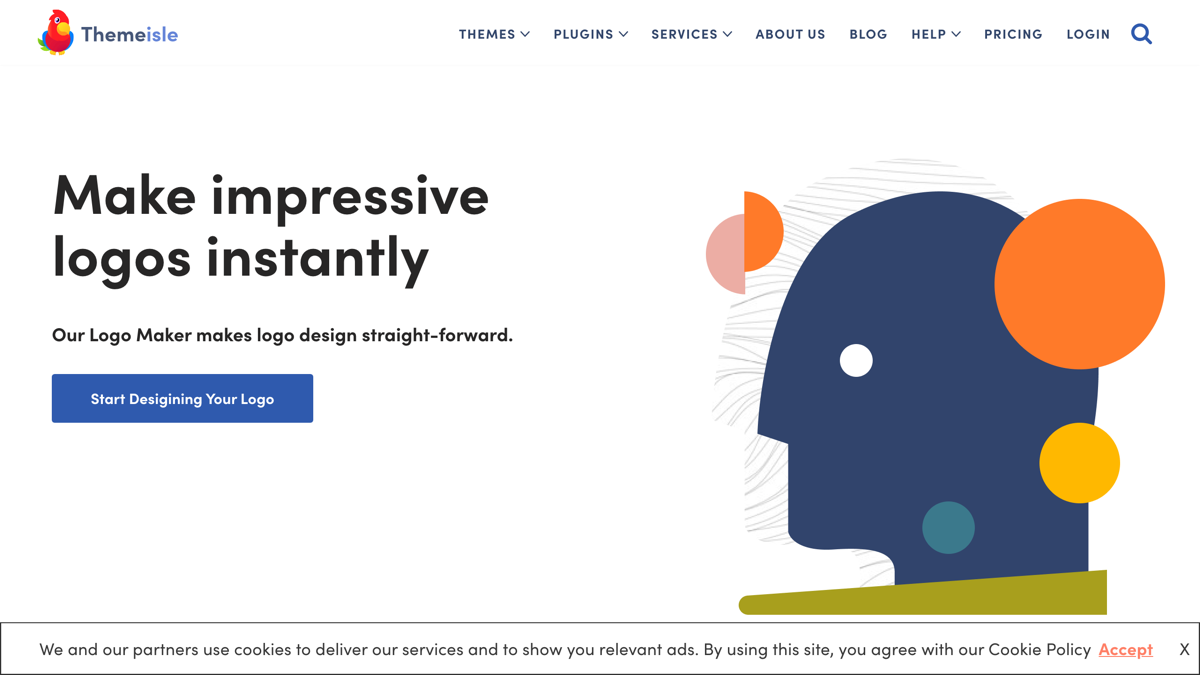
Themeisle is the best free option, full stop. It exports both PNG and SVG with no watermark and no sign-up, so you can have a usable vector logo in minutes without spending or registering anything. It’s template and editor based rather than generative, but for a clean, simple brand mark that’s all most businesses need.
Namecheap Logo Maker
Namecheap’s logo maker is free, watermark-free, and exports vector SVG files, and it only asks for a free account. It’s AI-assisted with template options, and it also produces business cards and print designs. For an African small-business owner with no budget and no international card, this and Themeisle are the two that win, because neither needs payment at all.
Logo Diffusion
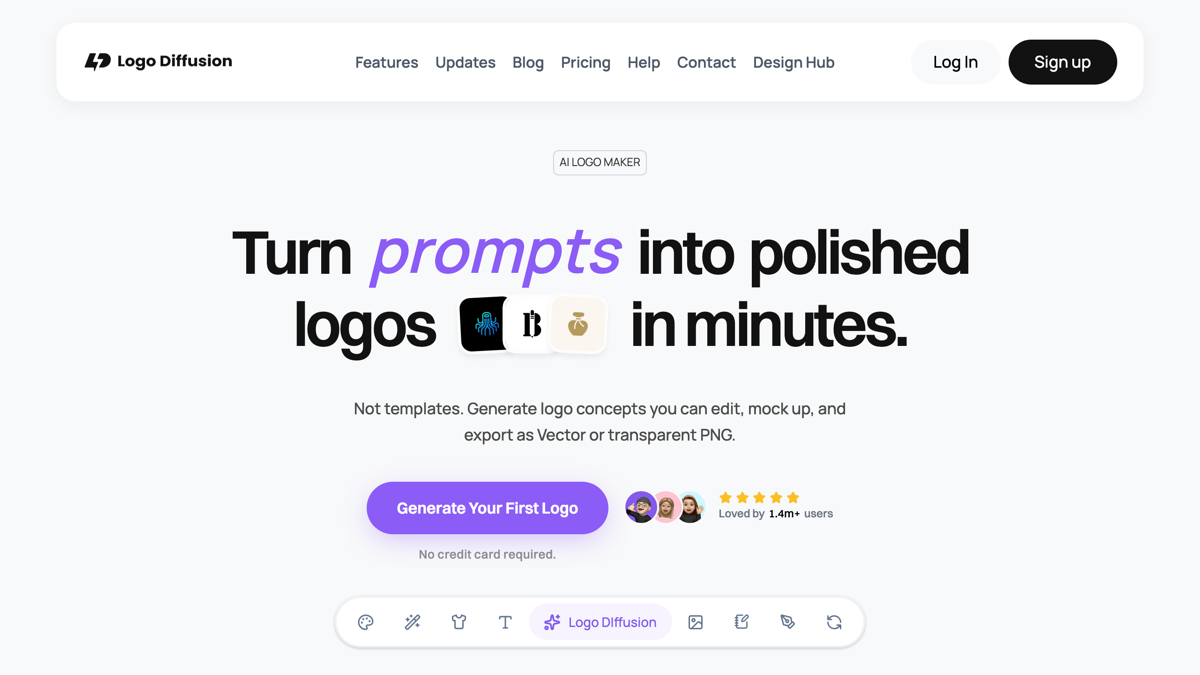
Logo Diffusion is the 2026 standout for genuinely AI-generated logos. Unlike template tools, it uses generative AI to create original marks from a prompt, and its free plan includes two clean SVG vector exports a month. Paid plans start around $24 a month with a full commercial licence. It’s the one to try if you want something that doesn’t look like a template everyone else is using.
Canva
Canva is free, exports PNG and SVG, and most creators already use it, so it’s an easy starting point. One important caveat: logos you build from Canva’s shared templates and stock elements are non-exclusive, which means you cannot trademark them. Use Canva for a quick mark or a placeholder, not for a brand identity you’ll want to protect legally. Canva Pro (around $12.99 a month) unlocks the brand kit and more templates.
Adobe Express
Adobe Express makes free logos quickly, but with one real limitation: it exports raster files (PNG/JPEG) only, with no SVG vector option. That’s fine for a social profile or a quick mark, but it rules Express out if you’ll ever need your logo on signage, packaging, or large print.
Best paid AI logo generators (own it, one-time)
When you’re ready to invest in a proper brand identity, these use real AI and let you own the result. Two of them charge once rather than monthly, which suits a business that doesn’t want another subscription.
Looka
Looka is the best-value paid pick, with a genuine AI generator and one-time pricing: around $20 for PNG files or $65 for the full vector package. You enter your business name and style preferences, and the AI generates editable options. Ownership has a nuance worth knowing: you own the logo as a whole, but not the individual icons, and registering a trademark is still your job.
Brandmark
Brandmark is the pay-once alternative to Looka, with one-time plans from $25 to $175 and full copyright ownership of your design. Its AI produces polished, modern marks, and the Premium tier delivers SVG and EPS vector files. Choose it if you want to buy once and never see a recurring charge.
Wix Logo Maker
Wix Logo Maker is worth it mainly if you also use Wix for your website. You design for free, then pay from $20 one-time for the high-resolution files and commercial rights. Note that you can’t keep editing the logo for free after you buy it, so finalise your design before paying.
Two tools from older versions of this list are worth a quick note. DesignHill still works (one-time $20 to $150) but offers no real advantage over Looka or Brandmark. Tailor Brands has shifted to a subscription bundled with business-formation upsells, and the recurring USD billing is awkward from African cards, so we no longer recommend it as a simple logo maker.
Do you actually own your logo?
Owning the file is not the same as owning a trademark. This trips up a lot of new business owners, so it’s worth being clear.
When you build a logo from shared templates or stock icons, on Canva or most template tools, that design is non-exclusive: other people can use the same elements, so it can’t be registered as your trademark. Even on paid AI tools like Looka, you own your finished logo as a whole but not the individual icon parts, and actually registering a trademark is a separate step you do with your country’s IP office. If a defensible, ownable brand mark matters to you, use a generative tool like Logo Diffusion or Brandmark, or commission a custom design.
How do you pay for a paid logo maker from Africa?
None of these tools are geo-blocked in Africa, but the paid ones often decline Naira and other African cards on international charges. That’s the practical reason to start with the free vector tools above, which need no card at all. When you do want a paid plan or a one-time download, a virtual dollar card solves it. Our guide to the best virtual dollar account providers in Nigeria covers the cards that reliably clear these payments.
Once you have a logo, a background remover helps you put it on clean product shots and mockups. See our roundup of the best AI background remover tools. And if you’d rather have a professional handle your branding properly, we do that.
Frequently asked questions
Is there a truly free logo maker with no watermark?
Yes. Themeisle and Namecheap both let you design and download a logo free, with no watermark, and both export vector SVG files. Themeisle doesn’t even require an account.
Do these tools give me a vector (SVG) file?
Themeisle, Namecheap, Logo Diffusion, Canva, Looka (paid tier), and Brandmark (paid tier) all export vector SVG. Adobe Express does not. It exports PNG and JPEG only, which limits large-format printing.
Can I trademark a logo made with these tools?
Usually not if it’s built from shared templates or stock icons, as with Canva, because those elements aren’t exclusive to you. A generative tool like Logo Diffusion or a custom design gives you a more defensible mark, but registering the trademark is still a separate step with your national IP office.
Which logo maker is best on a small budget?
For zero budget, Themeisle or Namecheap (free vector, no card). For a one-time spend on a real AI brand identity, Looka or Brandmark at around $20 to $65, which you pay once rather than monthly.
Do logo makers work on a phone?
Yes. Canva and Adobe Express have full mobile apps, and the others run in a mobile browser, so you can design a logo entirely from your phone.
Should I use a logo maker or hire a designer?
A logo maker is ideal when you’re starting out or testing an idea and need something decent fast and cheap. If your brand is central to how you earn and you want a unique, trademarkable identity, a professional designer is the better investment.
Where to go from here
Start free with Themeisle or Namecheap and export a vector file today. If you want a genuinely AI-generated, ownable mark, try Logo Diffusion’s free SVGs or pay once for Looka. Set up a virtual dollar card first if you plan to buy, so the download actually goes through.
Last Updated on June 4, 2026